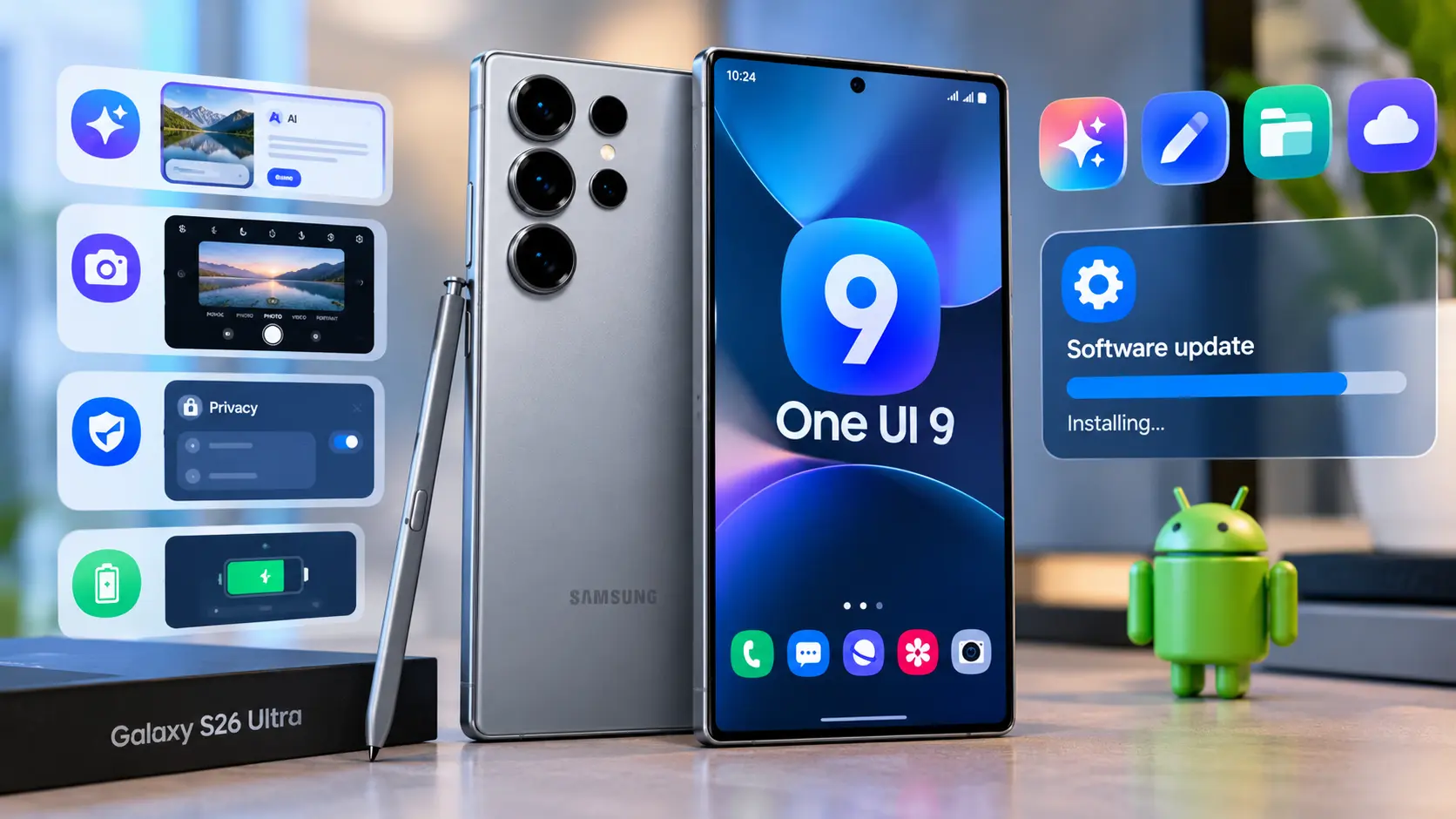
| Quick Answer One UI 9, Samsung’s newest software update built on Android 17, started rolling out to the Galaxy S26 Ultra on 16 September 2026. It brings My FanCam, smarter Now Brief cards, a new Now Nudge assistant, better document scanning, and a Warranty & Care hub in Settings. To get it now, go to Settings > Software update > Download and install. |
One UI 9 for Galaxy S26 Ultra is Samsung’s most significant software upgrade of the year. Built on Android 17, it has officially come out of beta testing and is rolling out to users with new features like My FanCam, Now Nudge, and enhanced document scanning.
I’ve put together some highlights of the most significant changes in this update and how to install it on your own device.
What Is One UI 9, Exactly?
One UI is Samsung’s customization of the Android operating system; in other words, it is the “batteries included” version. One UI 9 is based on Android 17. The company has made relatively few changes to the UI compared to the underlying OS. Samsung describes One UI 9 as an update that will help users to be more productive, personalize their experience and reduce effort.
Top New Features in One UI 9 for Galaxy S26 Ultra
My FanCam
If you have ever recorded a friend’s or your child’s school performance, you know how challenging it is to capture their performance well. The best you can do is record a wide shot, in which the actor is a small speck in the center. My FanCam can track one person in your video and reframe it, centering and following them. It can crop videos in all sorts of ways for your Instagram or TikTok post. All you need to do is connect your Samsung account to the application.
Smarter, Customisable Now Brief
Now Brief is Samsung’s daily briefing screen, and it’s had a proper upgrade. The cards are now generative and editable, meaning you can tweak what shows up — weather, health stats, video recaps, even security alerts — instead of scrolling past things you don’t care about.
Now Nudge
Think of this as a helpful nudge rather than a full assistant. If you’re texting a friend about meeting up, Now Nudge might quietly offer to add the event to your calendar or pull up directions, right inside the conversation, without you having to switch apps.
Warranty & Care in Settings
This one’s simple but genuinely useful. Samsung has added a Warranty & Care section directly in Settings, so you can check warranty status across all your linked Galaxy devices, run quick diagnostics, get repair estimates, and book a service, all without hunting through a separate app.
Smarter Document Scanning
The built-in scanner can now straighten curled book pages, flatten folded corners, and clean up a stray finger holding a page down, thanks to an improved Finger Eraser tool. Handy if you scan receipts, contracts, or notes regularly.
Structured Voice Recorder Summaries
Instead of one long block of transcribed text, Voice Recorder’s AI summaries now come with proper headings and tables, so meeting notes are actually easy to skim afterwards.
Security Brief & Privacy Alerts
Security warnings — like a sketchy sideloaded app or unusual permission requests — now show up directly in your Now Brief, alongside an expanded scam call detection feature. It’s a small change that makes security feel less like a separate chore.
Interpreter Thread View
Live translation conversations now display in a proper message-style thread, so you can scroll back and see what was said earlier, instead of losing the context of a longer conversation.
How to Download One UI 9 on Your Galaxy S26 Ultra
Getting the update takes a couple of minutes:
1. Open the Settings app
2. Scroll down and tap Software update
3. Tap Download and install
4. Once it’s finished downloading, choose Restart now or Schedule for later
Samsung typically rolls updates out region by region, so if you don’t see it yet, check back in a few days — it started in South Korea before expanding outward.
Is One UI 9 Worth Installing?
Short answer: yes. Most of the improvements are focused on making your life easier, not eye-catching bells and whistles. Enhanced document scanning, a useful daily briefing and a warranty hub are features you are likely to use every week, not every once a decade. Finally, this is a stable release (after seven rounds of beta testing), so most of the kinks have been knocked out already.
Frequently Asked Questions
When did One UI 9 release for the Galaxy S26 Ultra?
The stable version began rolling out on 16 September 2026, starting in South Korea before expanding to other regions, including the US and UK.
Is One UI 9 based on Android 17?
Yes. One UI 9 is built on top of Android 17 and includes the September 2026 security patch.
Does My FanCam work without an internet connection?
My FanCam requires a Samsung Account login and, in most cases, a network connection, so it won’t work fully offline.
Will One UI 9 come to older Galaxy phones?
Yes. Samsung has confirmed a wider rollout to other Galaxy S, Z, and Tab devices, so it isn’t limited to the S26 series.
How long does the One UI 9 update take to install?
Most users report it taking around 15 to 30 minutes, depending on network speed and phone storage, since it’s a substantial system-wide update.